Settings
 Fast Delivery
 Payment Types


 Marketplace Product
u-blox - NORA-B201 Evaluation Kit - Unboxing | DigiKey
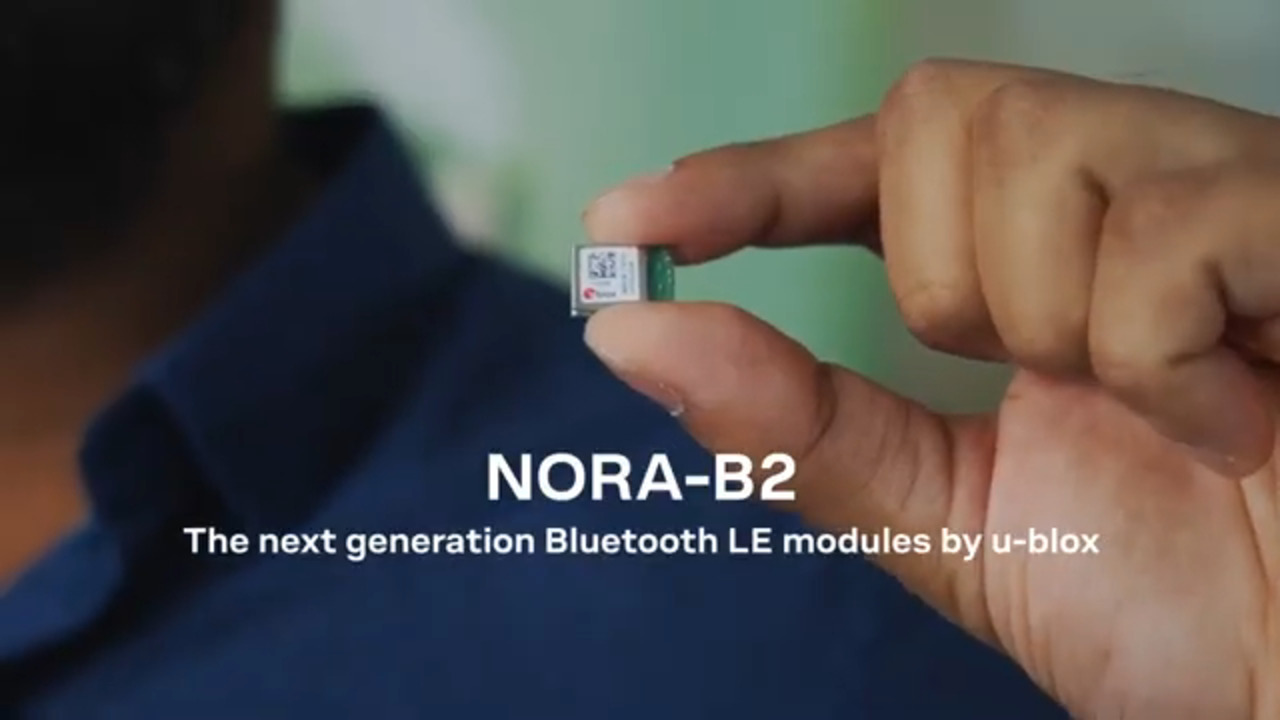
We take a look at the NORA-B201 Evaluation Kit from u-blox, combining an efficient and powerful MCU with a Bluetooth LE radio for ultra-low power IoT applications. Inside the box, you’ll find the evaluation board with the NORA-B201 module, a USB-C cable, a 2.4 gigahertz dipole antenna, and an NFC antenna. The NORA-B201 module is based on the Nordic nRF54 series SoCs and is an open CPU solution that allows customer applications to run on the Arm Cortex-M33 CPU, so in this demo we’re going to program a Zephyr RTOS blinky demo using the Nordic NRF Connect extension in Microsoft VS Code. Install the antennas on their respective u.FL and NFC connectors. You can also install additional hardware using the two mikroBUS sockets or the Qwiic connector. Use the USB-C cable to connect the board to your computer. In VS Code, you’ll need to install the nRF Connect extension pack. Once installed, open the nRF Connect tab and install the latest SDK. This will include the toolchain, so you don’t need to install that separately. Then click browse samples, type in blinky, and select the option with Zephyr in the path. Next we need to add a build config. In the board target box type in NORA and select the nRF54L15 version. Then build it and flash it to the board.
Part List
| Image | Manufacturer Part Number | Description | Available Quantity | Price | View Details | |
|---|---|---|---|---|---|---|
 |  | EVK-NORA-B201 | EVAL. KIT NORA-B201 | 32 - Immediate | $109.00 | View Details |