Settings
 Fast Delivery
 Payment Types


 Marketplace Product

Mfr Part # 28009
EXPERIENTIAL ROBOTICS PLATFORM (
SparkFun Electronics

One of the things I love most about OpenSauce is that it is not just about seeing cool technology. It is about finding projects that make you want to go home and build something of your own.
This year, we packed the DigiKey booth with robotics, AI, prototyping tools, development boards, wireless networking, home automation, LEDs, and a few builds that are just plain fun to see in person.
Whether you want to learn a new skill, explore a platform you have been curious about, or just get a closer look at some clever builds, here is what you will find when you stop by.
________________________________________

Every maker eventually learns that a good workspace can be just as important as the tools sitting on it. A clean, flexible bench makes it easier to get into a project and stay focused once the solder starts flowing.
At our first station, we will be showing off a modular soldering workstation designed by DigiKey's Aaron Rollens. It is built around 80/20 aluminum extrusion and the MultiBoard/MultiBuild ecosystem, which means the setup can change as your workflow changes.
The workstation brings together tool storage, adjustable mounting locations, organized cable management, expandable accessories, and 3D-printable components. It feels less like a fixed bench and more like a project platform for your workspace.
If you have been thinking about upgrading your own bench, this is a great place to gather ideas. I have a feeling a few people will leave this station thinking about how to reorganize their desk when they get home.
If you would like to learn more about the soldering station, take a look at the write-up that Aaron put together about the products used and the assembly process located here: Modular 80/20 Aluminum & MultiBoard Soldering Workstation
________________________________________
Robotics is one of the fastest ways to bring together programming, electronics, sensors, and mechanical design into a single project. That's why we've dedicated an entire table to the SparkFun XRP ecosystem.

If you want to learn a little programming, electronics, sensing, and mechanical design all at the same time, robotics is hard to beat. That is why we are dedicating an entire table to the SparkFun XRP ecosystem.
The standard XRP robot gives students, educators, FIRST mentors, and hobbyists an approachable way to explore robotics fundamentals. Visitors can see how sensors, motors, and software work together on a platform built for learning, experimentation, and competition.
To order your own XRP, visit this page: 28009 SparkFun Electronics | Robotics Kits | DigiKey
To learn more about the XRP and its capabilities, check out these articles on Maker: Maker.io - Search for projects, platforms, products, posts, and more | Maker.io powered by DigiKey
And while you're at it, consider entering the WPI XRP Medal Challenge

Traditional robots move forward, backward, and turn. Mecanum and omni-wheel robots add a completely different feel by allowing sideways and diagonal movement.
Watching one glide across the floor is often enough to make people immediately ask how it works. It is one of those demos that is easier to appreciate when you see the motion in person.

What happens when you shrink a robot? The Nano XRP takes the familiar XRP platform and packs it into a compact, half-scale design.
It is a fun example of how a platform can evolve when a maker community starts experimenting with smaller parts, 3D printing, and new mechanical layouts.

The Agricultural XRP shows how robotics ideas can move beyond the classroom and into real-world applications.
This version opens the door to conversations about autonomous systems, environmental interaction, and the role robotics can play in modern automation and precision agriculture.
To purchase your own AGXRP, please visit this link: KIT-30714 SparkFun Electronics | Educational Kits | DigiKey

Things get a lot more interesting when a robot can actually sense what is around it.
This build uses LiDAR technology to detect objects, map environments, and navigate more intelligently. Visitors can see how affordable sensors are bringing advanced robotics capabilities within reach for makers and students.
To learn more about the Lidar XRP, check out this video from Zach Hipps, The Byte Sized Engineer: Gamepad-Controlled XRP Robot with LiDAR Sensing

Odd Jayy recently built a robot he is calling the Vantaphage. It's based on a bacteriophage, and the main controller used is an XRP controller, along with a servo controller to control the 12 servos for movement.
To learn more about the Vantaphage, check out this build guide from Odd Jayy WiFi Quadruped Robot Build Using SparkFun XRP Board
To find all of the files for the 3D prints used on this, visit our collection of the demos used on our printables page: OpenSauce 2026 demos Collection by DigiKey | Printables.com
Supporting the robotics demos is a Raspberry Pi 500+ and a Raspberry Pi Monitor that will be showing projects, educational materials, and additional XRP resources.
If you are a student, educator, mentor, or hobbyist looking for your next robotics idea, this table should give you plenty to work with.
________________________________________

Everyone is talking about AI right now, but we are interested in what happens when you run it directly on the hardware sitting in front of you.
At this station, visitors can check out a hands-on demonstration featuring the Synaptics Coral platform and a custom project called Jelletronica. The demo shows machine learning models running on-device instead of depending on a remote server. It tracks laser-cut jellyfish on a table and plays tones based on the location of the jellyfish.
That opens up practical conversations about embedded AI, edge computing, computer vision, real-time inference, and low-latency intelligent systems.
If you are curious about where AI-powered hardware is heading, this is worth a stop. It is also a good chance to see how these ideas look when they are running on actual embedded hardware instead of sitting in a slide deck.
To see a visual similar to how our demo works, check out this video
________________________________________
This table is more like a miniature maker fair all by itself.
We've dedicated sections of the table to several technologies that have been generating excitement across the maker community.
This table is like a miniature maker fair all by itself. If you are the type of person who bounces between wireless projects, home automation, LEDs, and small gadgets, this may be the table where you spend the most time.
Meshtastic has become one of those projects that keeps popping up in maker conversations, and for good reason. Using LoRa radios, Meshtastic devices can create long-range messaging networks without cellular service or Wi-Fi.
We will be showing several ways to get started and expand a mesh network, including the M5Stack Cardputer, LoRa Cap, Cardputer Meshtastic Kit, Elecrow ThinkNode M1, Seeed Meshtastic Node, and SenseCAP Tracker T1000-E.
Each device brings a slightly different angle to portable communication, tracking, or network participation, which should make this corner especially useful for anyone who has been meaning to try Meshtastic but has not picked a starting point yet.
We'll be showcasing:

A pocket-sized ESP32-powered computer that has become a favorite platform for Meshtastic experimentation.

An expansion module that brings long-range communications capabilities to compatible M5Stack hardware.
A complete package showing how quickly makers can get started building portable communication devices.

A dedicated Meshtastic-compatible node designed for reliable network participation.

Another popular option for creating and expanding mesh networks.

A compact tracking device that combines positioning and mesh communications technologies.
________________________________________
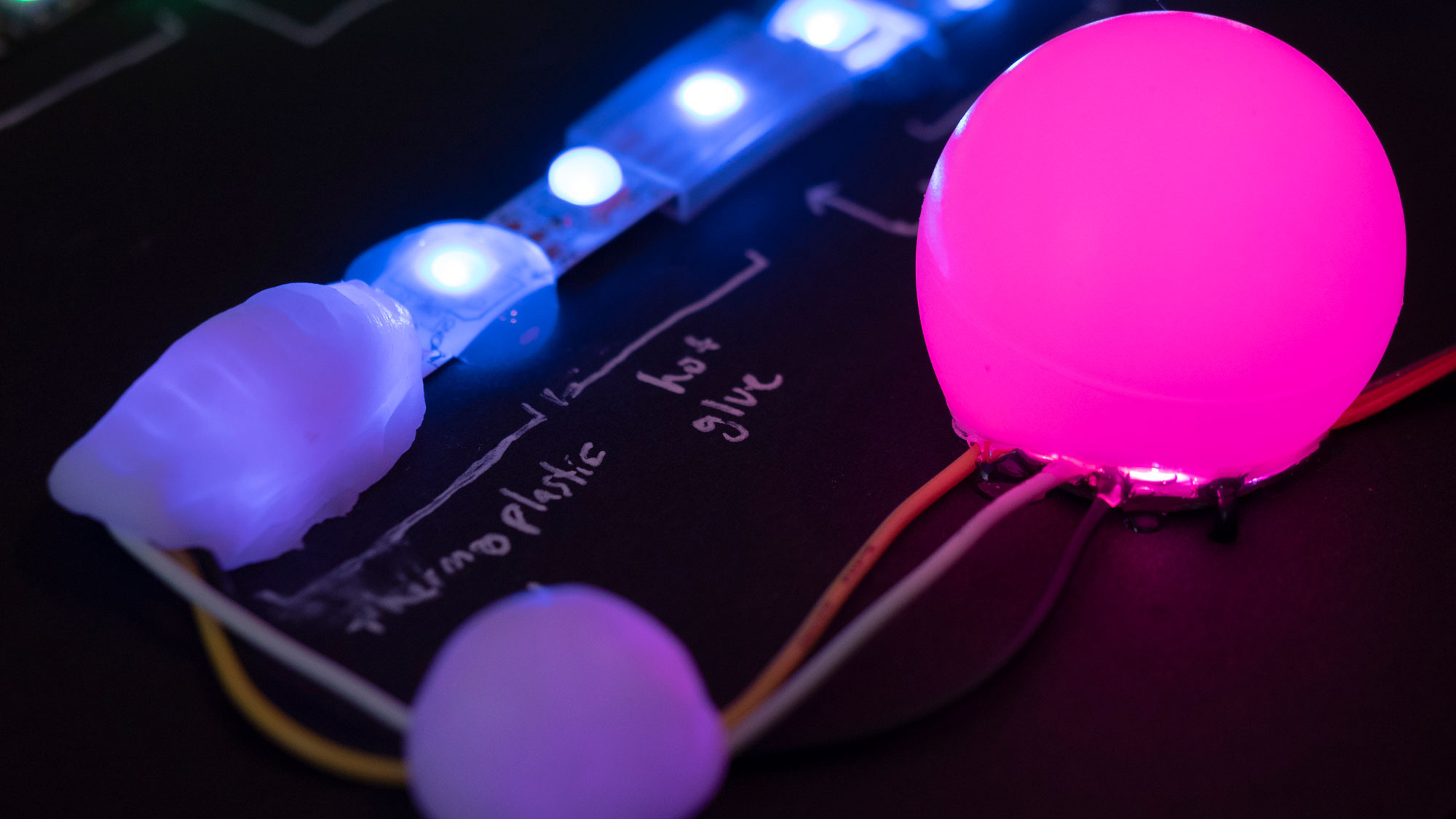
Nobody walks past a giant wall of LEDs without stopping. On the back of our booth, you will find a custom LED net installation that acts as both a visual centerpiece and a working demo of modern LED control.
The display gives us a chance to talk about large-scale LED art, event installations, WLED projects, interactive displays, and creative lighting effects.

We will also be demonstrating an M5Dial-based WLED controller that makes it easier to manage complex LED installations. It is the kind of control interface that makes a big lighting project feel a little less intimidating.
To learn more about this project, check out the build guide here: Building an Interactive LED Controller with M5Dial and WLED
________________________________________


Motion sensing, interactivity, and embedded control come together in the SparkleMotion Stick.
These products combine sensors and microcontrollers to create responsive interfaces for lighting, control systems, and other creative applications. It is a nice example of how a simple interaction can make a build feel more alive.
________________________________________

Sometimes the simplest projects become crowd favorites.
Zach Hipps from Byte Sized Engineering will be sharing a clever educational project focused on resistor identification and electronics fundamentals. It is a fun reminder that learning electronics does not have to be complicated. A little creativity can make technical concepts much more approachable.
To learn more about this project, check out this page: Automating Resistor Sorting with Arduino Uno Q, and check out the Arduino UNO Q Dream Lab Challenge while you're at it.
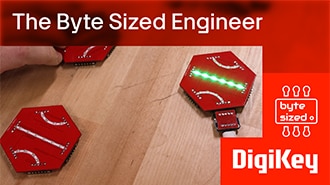
Zach is also bringing along his PCB Tile Game to show off at the event as well. Be sure to stop by and check this out.
To learn more about it, be sure to check out Designing Interactive LED Game Tiles from Scratch

________________________________________
OpenSauce is packed with incredible projects, creators, and opportunities to learn something new. If you are attending this year, stop by the DigiKey booth and learn about the XRP robot, explore edge AI, discover new development platforms, chat with creators, and get inspired for your next project.
We will see you on the show floor.