Settings
 Fast Delivery
 Payment Types


 Marketplace Product

Mfr Part # K014-E
BALA2 FIRE SELF-BALANCING ROBOT
M5Stack Technology Co., Ltd.

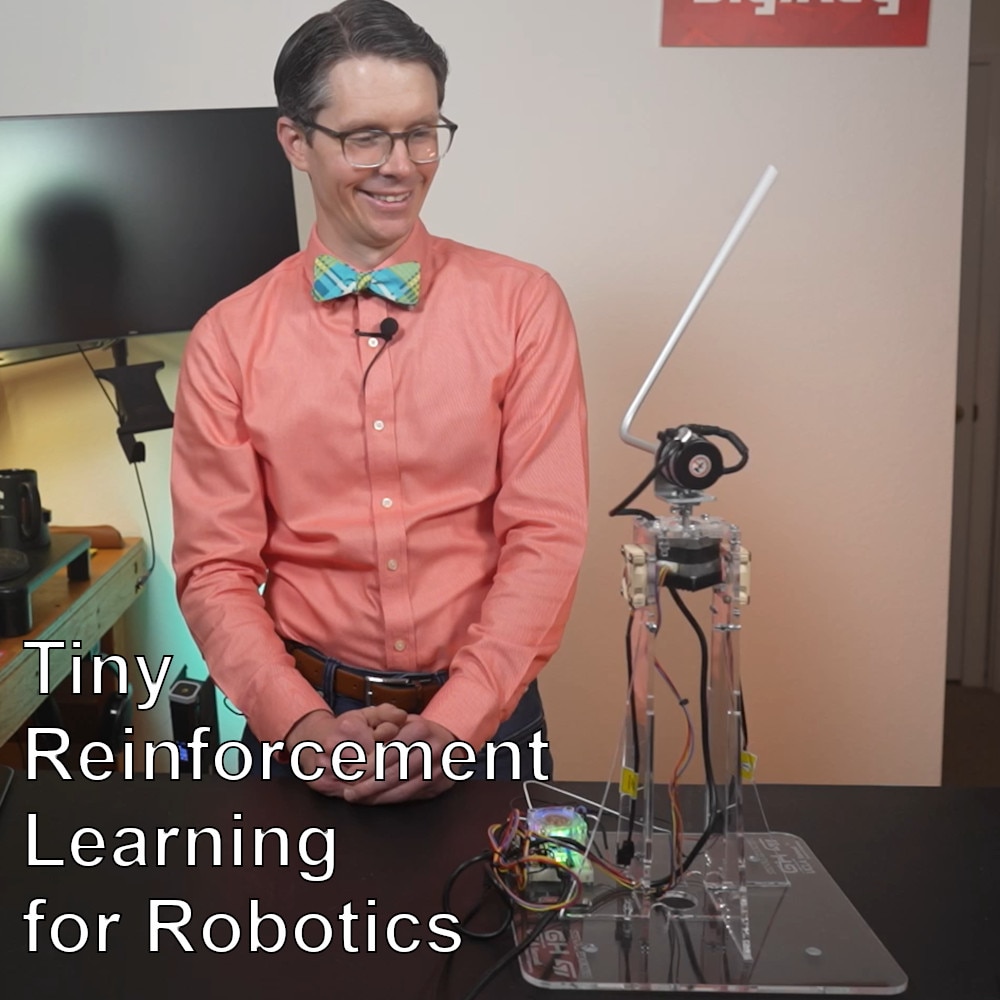
In this episode, we take the actor network from our trained PPO agent and deploy it to the M5Stack BALA 2 Fire robot. As you'll see, the robot that balanced so reliably in MuJoCo struggles in the real world. That gap between simulation and reality is known as the “sim-to-real” or “sim2real” gap, and it is exactly what this episode is about.
We'll cover how to convert the trained actor network to C code for the ESP32, walk through the Arduino firmware that runs inference on the robot, and explore some post-processing fixes that help bridge the sim-to-real gap. Domain randomization (the more principled solution) is what we will cover in the next episode.
All project files are available at github.com/ShawnHymel/reinforcement-learning-for-robotics.
Recall that our trained agent consists of two neural networks: an actor and a critic.

During training, both are updated together. The critic helps the actor learn by estimating future rewards. But once training is complete, the critic's job is done. All we need to deploy is the actor: it takes in an observation vector and outputs motor commands.

The deployment pipeline looks like this:
The conversion script (workspace/software/rl/onnx_to_c.py) reads the ONNX file, extracts the weights and biases for each layer, and generates a .h file with the forward pass implemented as plain C: multiply-accumulates followed by a tanh activation from math.h. This is a very simple, naive implementation. It does not rely on a runtime environment (e.g., TensorFlow Lite or LiteRT), and it does not use any acceleration (e.g., DSP, NPU) not already covered by the default compiler. For a two-hidden-layer network with 16 nodes per layer, this runs in roughly 2–3ms on the ESP32, well within our 5ms timestep budget.
To generate the header, open a terminal in the Docker container and run (replace <BalanceBot-v0__balance-bot-ppo…> with the final run directory from the previous episode):
Copy the resulting actor.h into the Arduino sketch folder (workspace/software/03-sim-to-real/balance_bot).
Before uploading firmware, you'll need to calibrate the IMU. Even though the BALA 2 Fire ships factory-calibrated, it's worth running a fresh calibration for your specific environment. Open workspace/software/ep03/imu_calibration/ in Arduino IDE and upload it to the robot.
To add the M5Stack board support, go to File → Preferences → Additional Boards Manager URLs and add:
https://static-cdn.m5stack.com/resource/arduino/package_m5stack_index.json
Then install the M5Stack board library from the Boards Manager and select M5Stack Fire as your board. You'll also need to install the M5Unified library from the Library Manager.
Once uploaded, open the serial monitor and follow the on-screen instructions. The calibration routine walks you through gyroscope calibration (robot stationary on a flat surface) and accelerometer calibration (rotating the robot to each face). Calibration data is saved to non-volatile storage on the ESP32 and loaded automatically on boot.
The main sketch is workspace/software/ep03/balancebot/balancebot.ino. Here's how it works at each 5ms timestep:
float obs[4] = { pitch, pitch_rate, left_wheel_vel, right_wheel_vel };
float action[2];
actor_forward(obs, action);
One thing to watch for: the motor direction in simulation may not match the real robot. In our case, we found the motors were wired in the opposite direction from what we modeled, which is easily fixed by multiplying the action by -1 before sending it to the motors.
With the firmware uploaded, the robot balances (briefly). It eventually drifts and tips over, even though the same policy worked well in simulation. This is the sim-to-real gap: differences between the simulated world and the real one that the agent was never trained to handle.
Some common sources of sim-to-real error:
There are a few ways to address this. One approach (used by groups like Disney Research) is to invest heavily in accurate physical modeling: making sure the simulation reflects the real robot as closely as possible. The more scalable approach is domain randomization, which we'll cover in the next episode: deliberately varying physical parameters during training so the agent learns to handle uncertainty rather than depending on a specific set of conditions.
For now, let's see how far firmware post-processing can get us.
Open workspace/software/ep03/balancebot_fixes/balancebot_fixes.ino. This version adds several tunable parameters on top of the base firmware:
action[0] = action_alpha * prev_action[0] + (1.0 - action_alpha) * action[0];
This reduces high-frequency jitter at the cost of some added lag. Tuning action_alpha is a tradeoff: too high and the robot responds too slowly, too low and the jitter returns.
With these adjustments, the robot balances noticeably better.

However, it takes real effort to tune these parameters, and they'll need re-tuning if anything changes (e.g., different battery charge, different floor surface, different environment). This is exactly the kind of fragility that a more robust trained policy should eliminate.
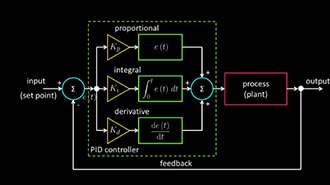
Post-processing can get you surprisingly far, but it largely defeats the purpose of training a robust agent in the first place. If you're spending time tuning filters and offsets, you might as well be tuning a PID controller.
The better solution is to bake that uncertainty into training itself. In the next episode, we'll introduce domain randomization — randomizing physical parameters like sensor noise, motor torque, and friction during training — so the agent learns to handle the real world without needing firmware patches. See you there.