Configuración
 Entrega rápida
 Tipos de pago


 Producto del mercado
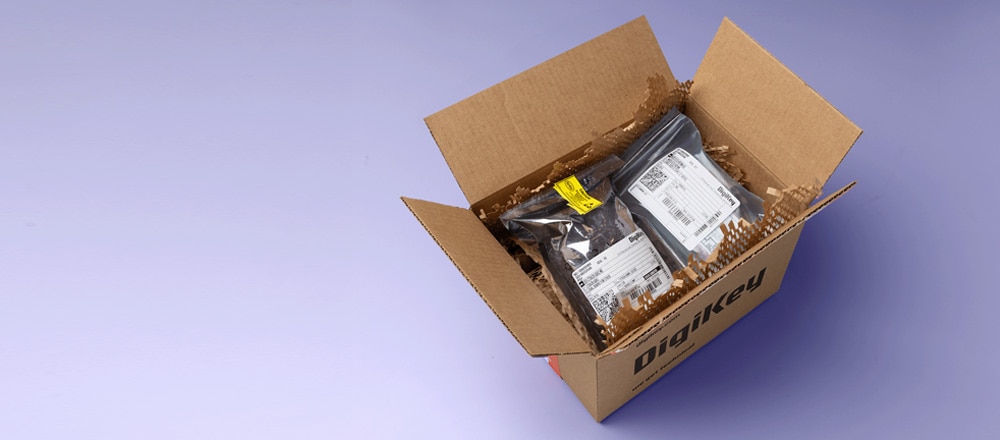
Unboxing by DigiKey
Unbox unique products to explore bundled accessories and see product demonstrations.
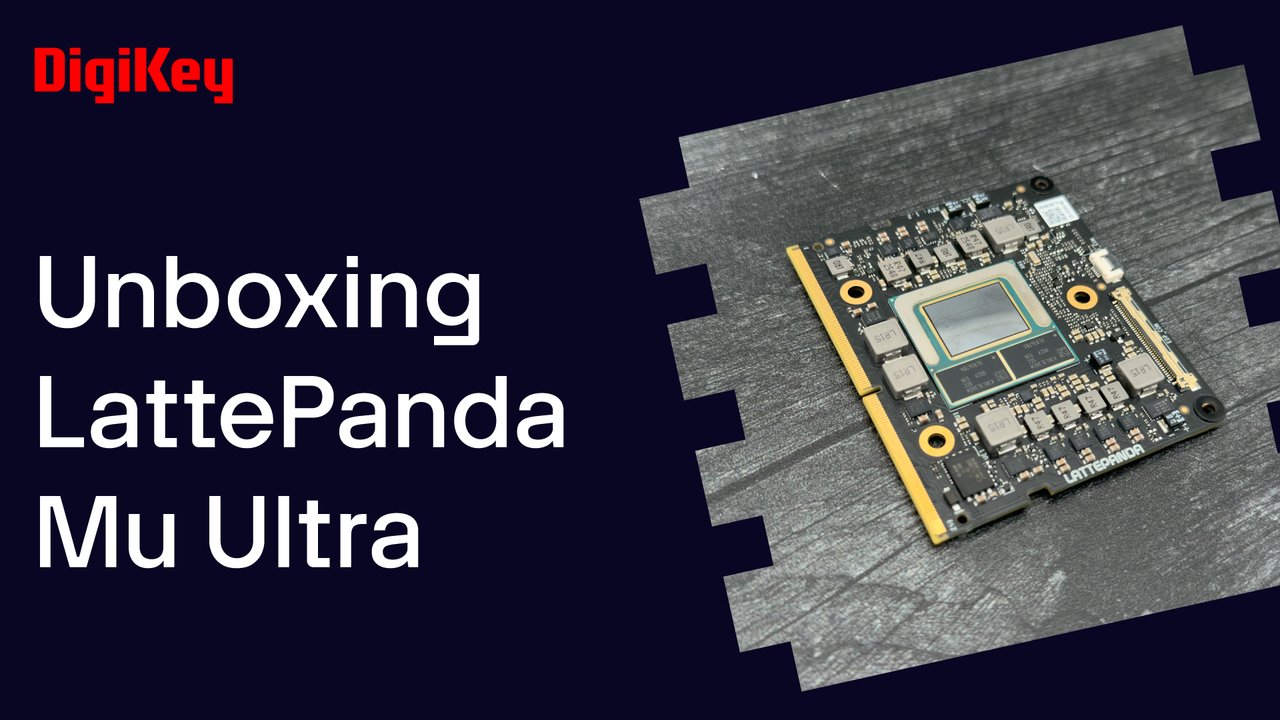
DFRobot LattePanda Mu Ultra – DK Unboxing | DigiKey
We take a look at the LattePanda Mu Ultra from DFRobot, an x86 compute module with up to 115 TOPS of AI performance and ultra-low power consumption for battery-powered or always-on devices Inside the box, you’ll find the Mu Ultra. It’s roughly the size of a credit card but features an Intel Core Ultra 5 226V processor with an integrated GPU and NPU, and 16 gigabytes of LPDDR5X. It’s also available with an Intel Core Ultra 7 256V processor. In this demo we’re going to setup the Mu Ultra in a mini carrier board and install LattePanda’s Windows 11 image. There’s also a guide for Linux if preferred. Detailed instructions for each installation step are in the user guide. You can use an HDMI monitor, but we’re using the LattePanda touch display. This connects directly to the compute module, with the gold contacts up on the eDP connector and down on the touch panel connector. A Windows image is available that includes all necessary hardware drivers for a fast bring up. After downloading it and copying the files to a flash drive, power up the Mu Ultra and press F7 repeatedly to access the Boot Override menu, and select the flash drive and press enter. This will start the fully automatic Windows installation process. Once the confirmation process is shown, remove the flash drive, type exit, and wait for the system to boot into Windows. From here you can use your preferred tools and AI software frameworks to run LLMs, vision, and speech models locally.